
 HubSpot integration
Portant's native HubSpot integration
Portant lives inside HubSpot. Generate contracts, proposals, quotes, and invoices from any deal record with one click. Every field fills automatically from deal properties, contacts, companies, and line items. Signed documents save back to HubSpot and update the deal stage.





Trusted by teams at










Capabilities
What you can do with Portant and HubSpot
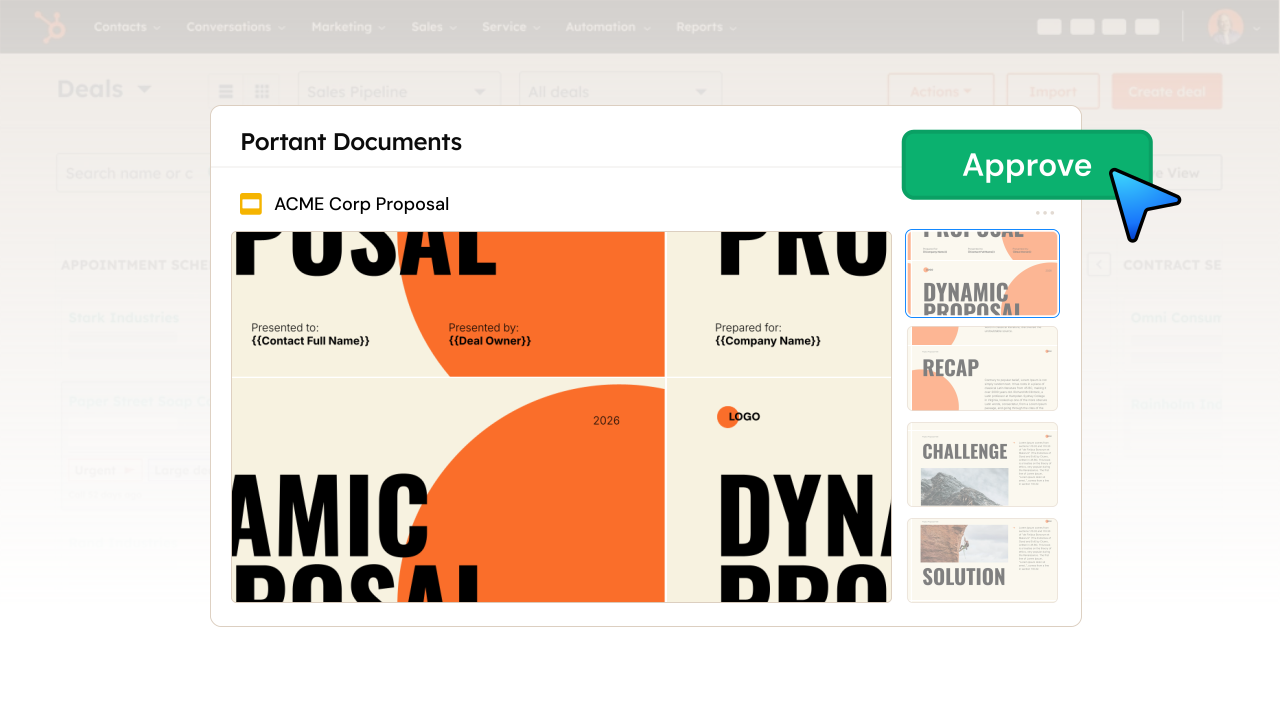
One-click document generation from deals
Open Portant from any HubSpot deal. Select a template, generate a document, and send it, all without leaving the deal record.
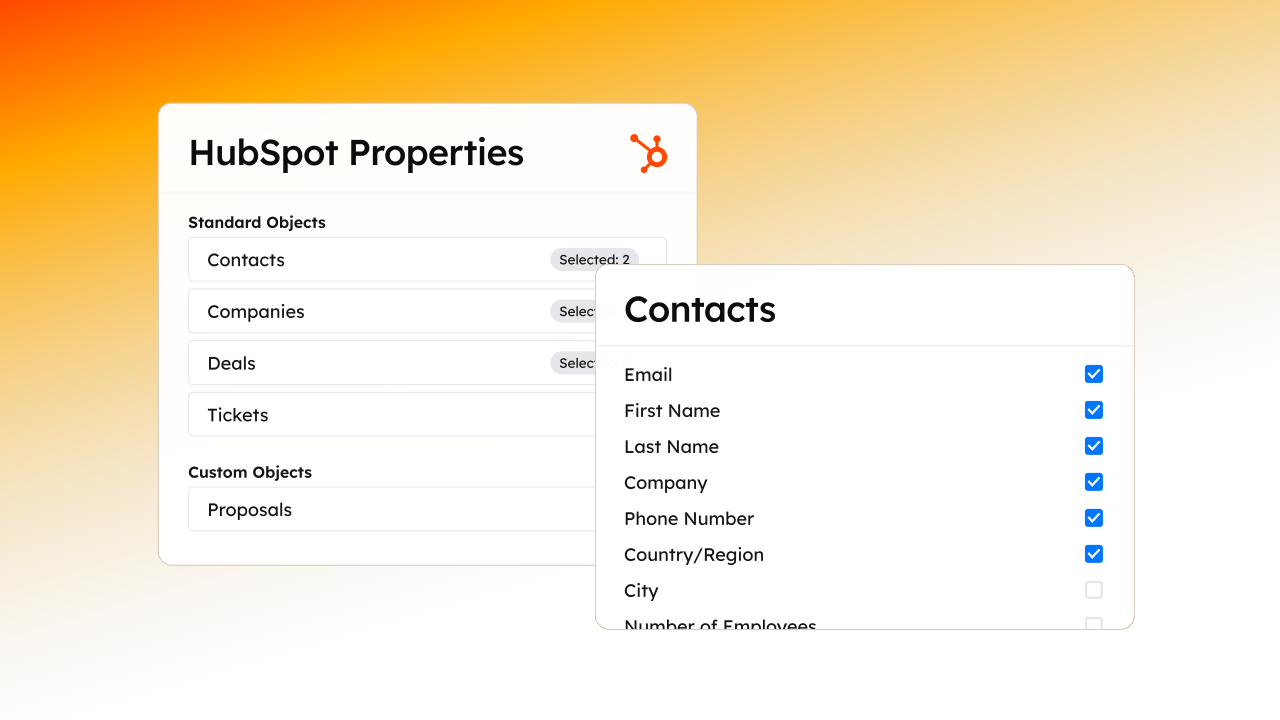
Map any HubSpot property to your templates
Contact names, deal values, company info, custom properties, and line items all map to template tags. Every field fills automatically.
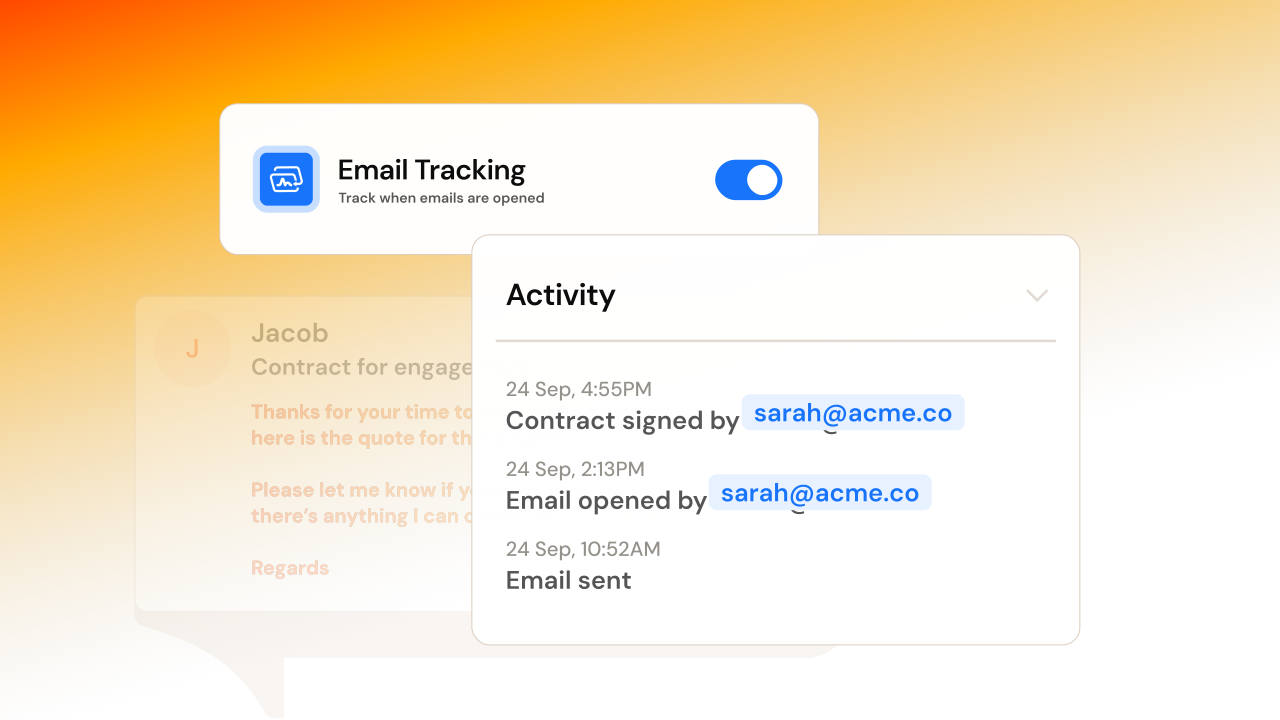
Deal stage updates on signature
When a client signs a document, Portant updates the deal stage in HubSpot automatically. Create follow-up tasks and trigger workflows.
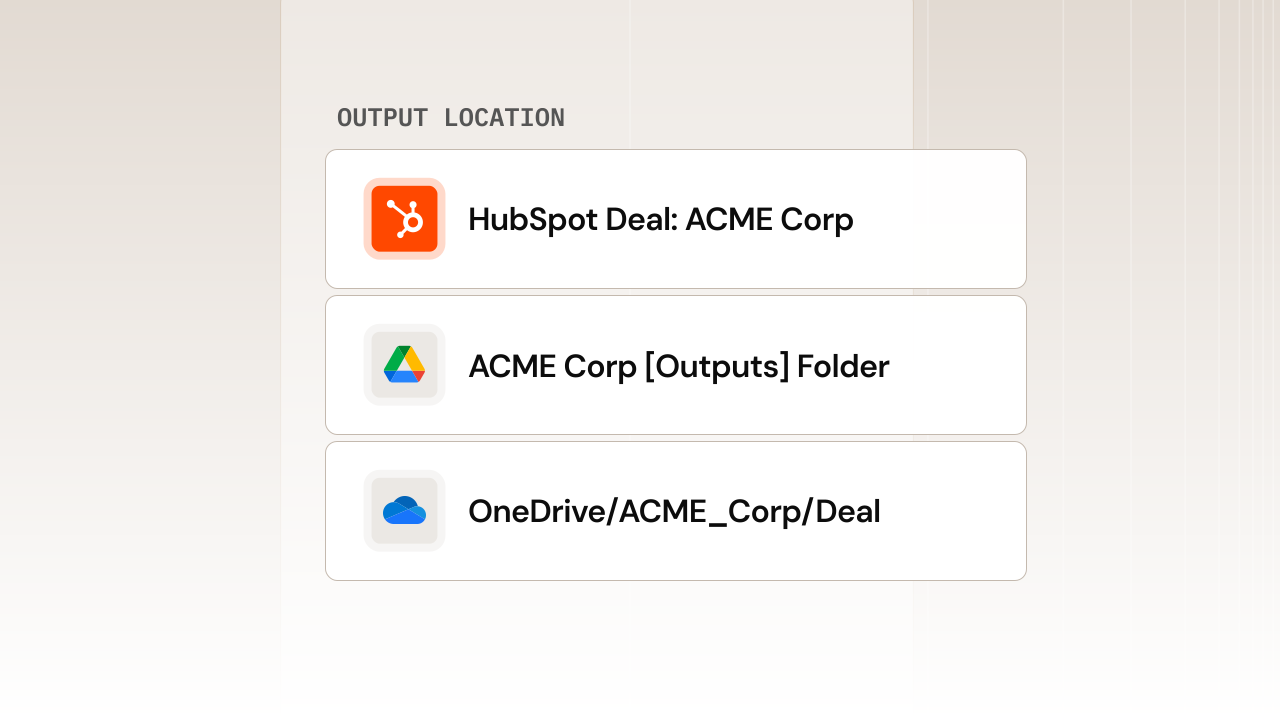
Documents saved as deal records
Every generated document saves to HubSpot as a record associated with the deal. Track views, signatures, and delivery status in one place.
Use cases
Use HubSpot with Portant for
Contracts
Generate, send, and sign contracts with deal data pre-filled from HubSpot.
Learn more →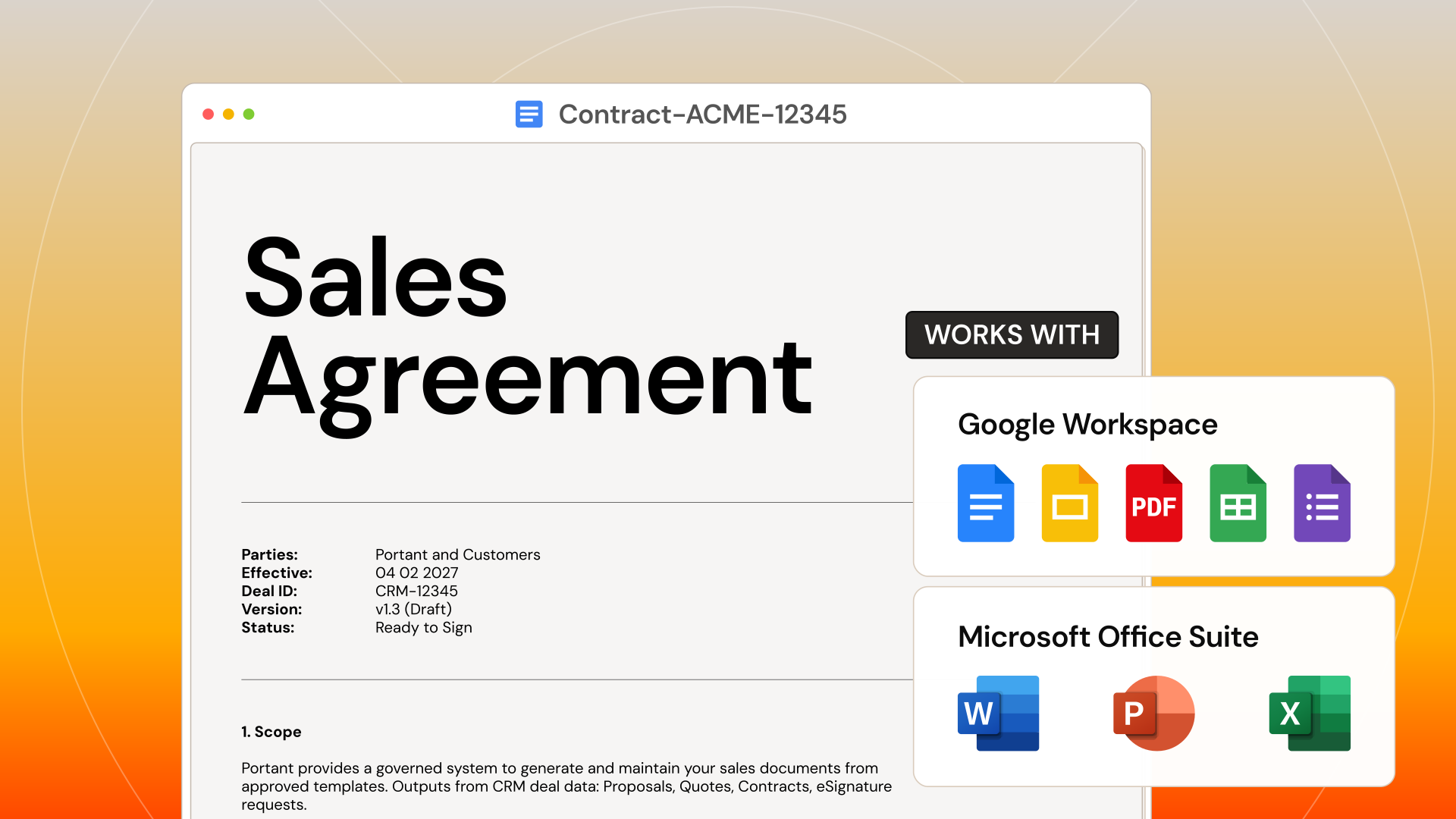
Proposals
Build branded proposals with line items, pricing, and contact details from HubSpot deals.
Learn more →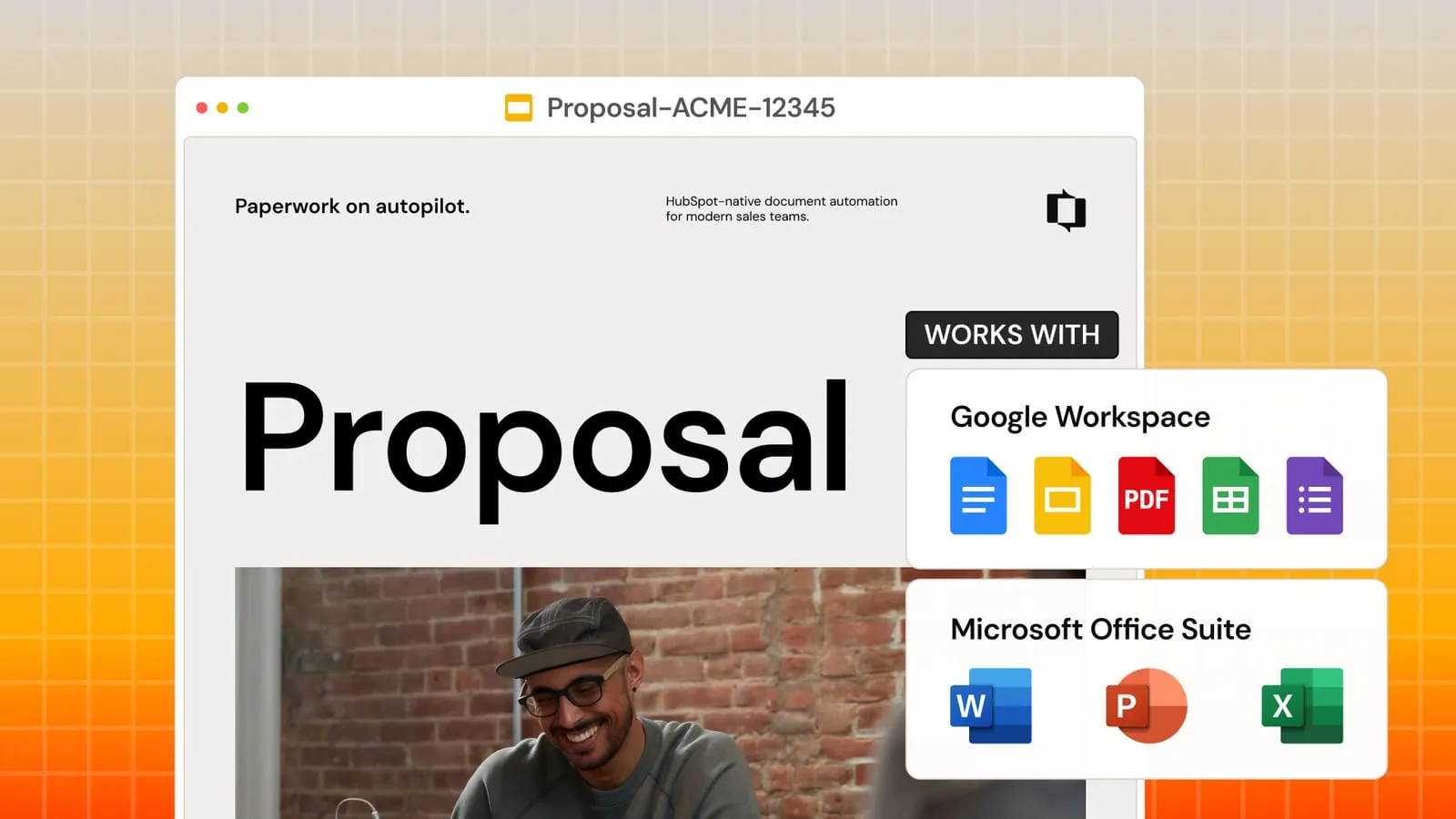
Quotes
Create accurate quotes with live pricing pulled from HubSpot line items.
Learn more →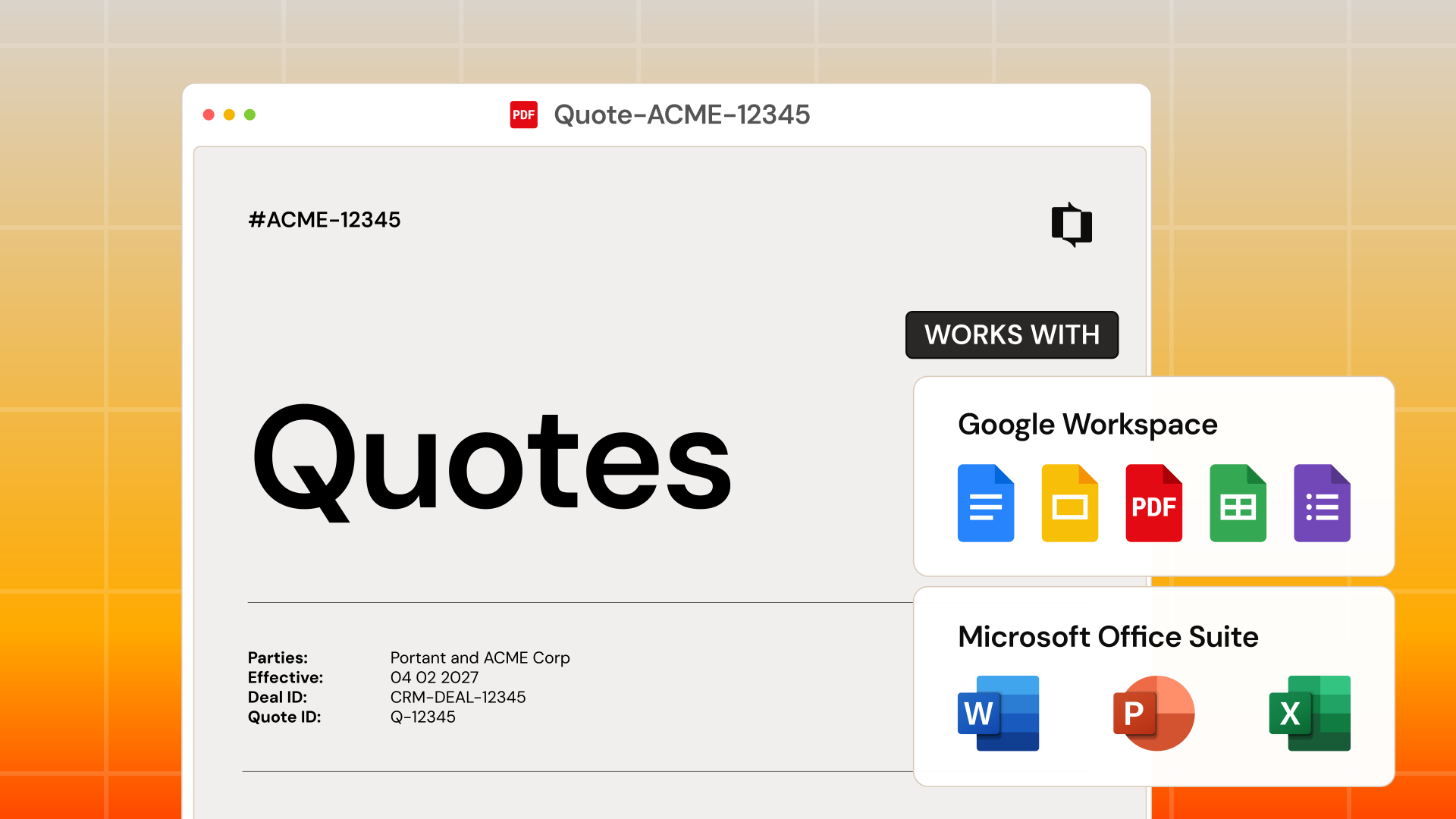
Invoices
Auto-generate invoices when deals close. Line items, totals, and payment terms fill automatically.
Learn more →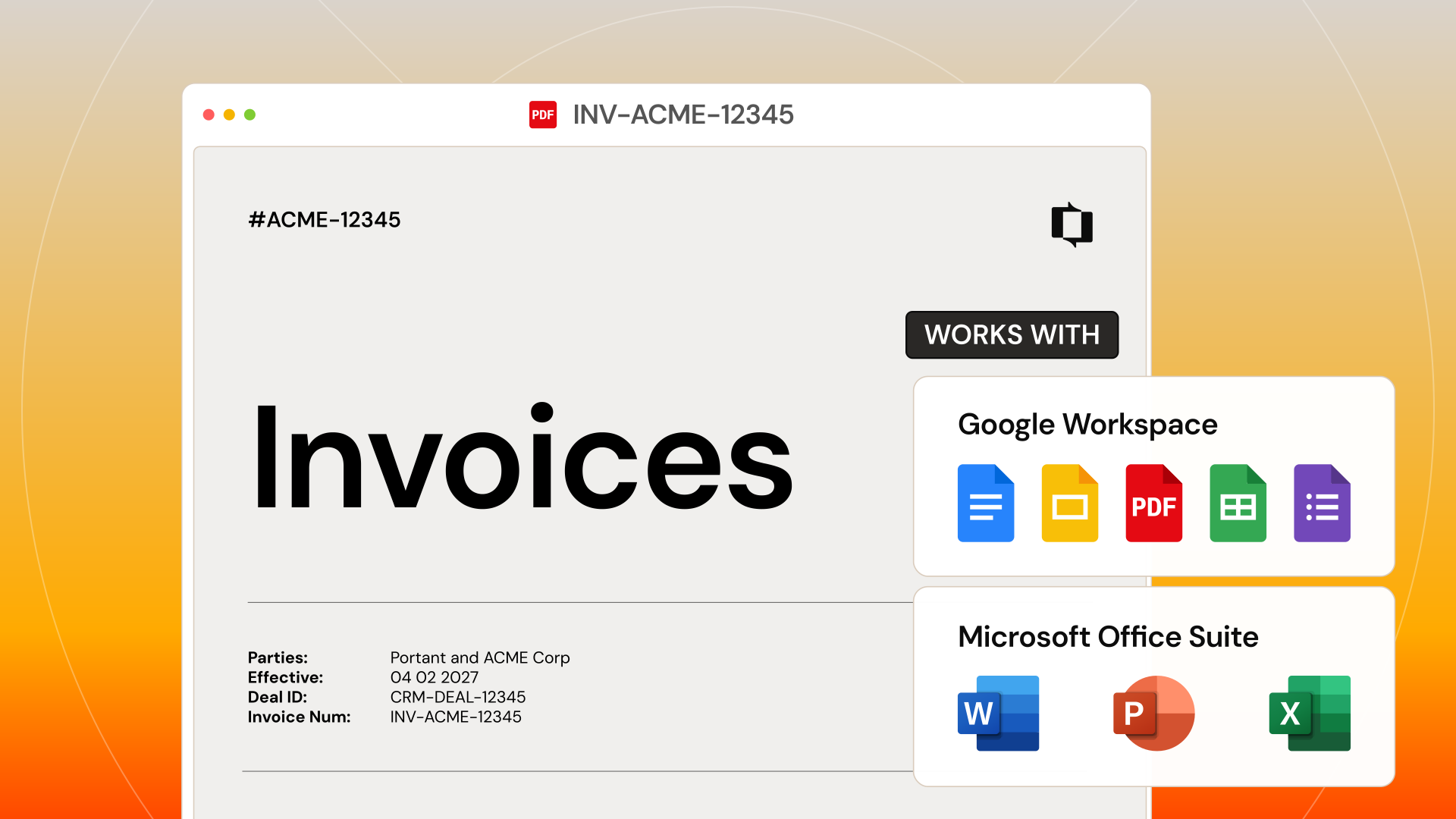
Line items
Quantities, unit prices, discounts, and totals pull straight from the deal into your template.
Learn more →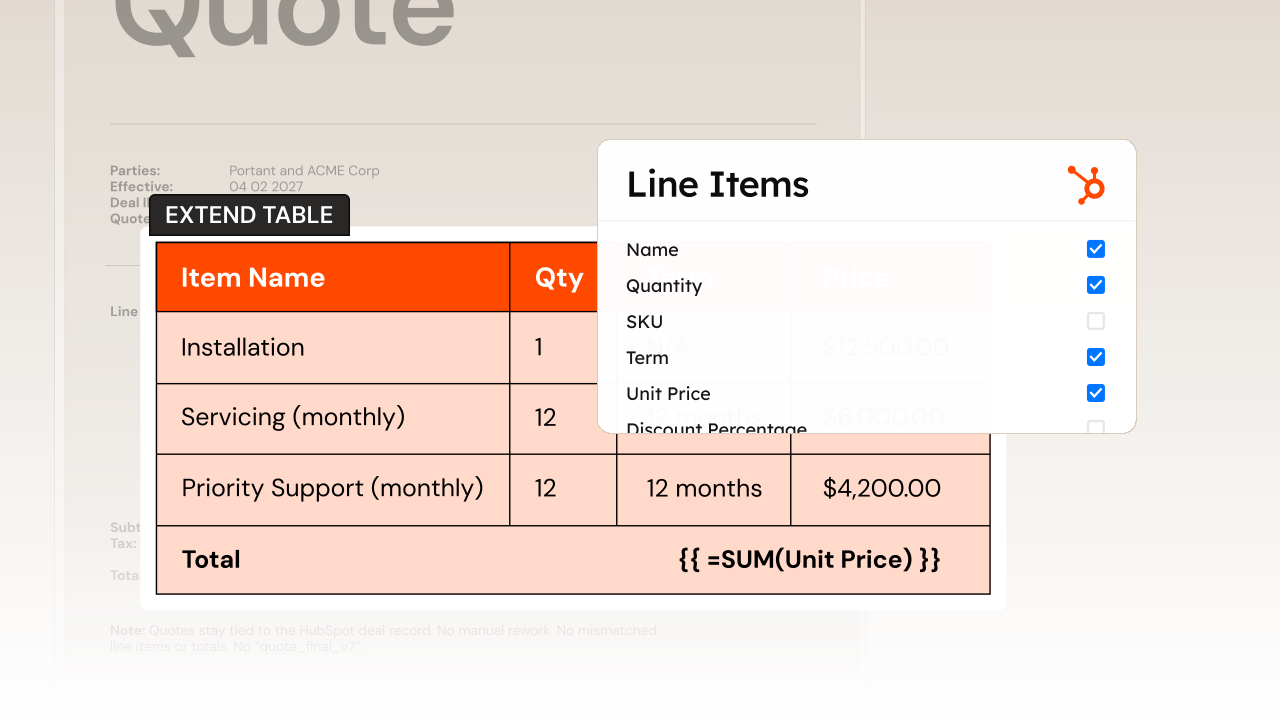
eSignatures
Send contracts and collect signatures from the deal record, with multi-signer support and audit trails.
Learn more →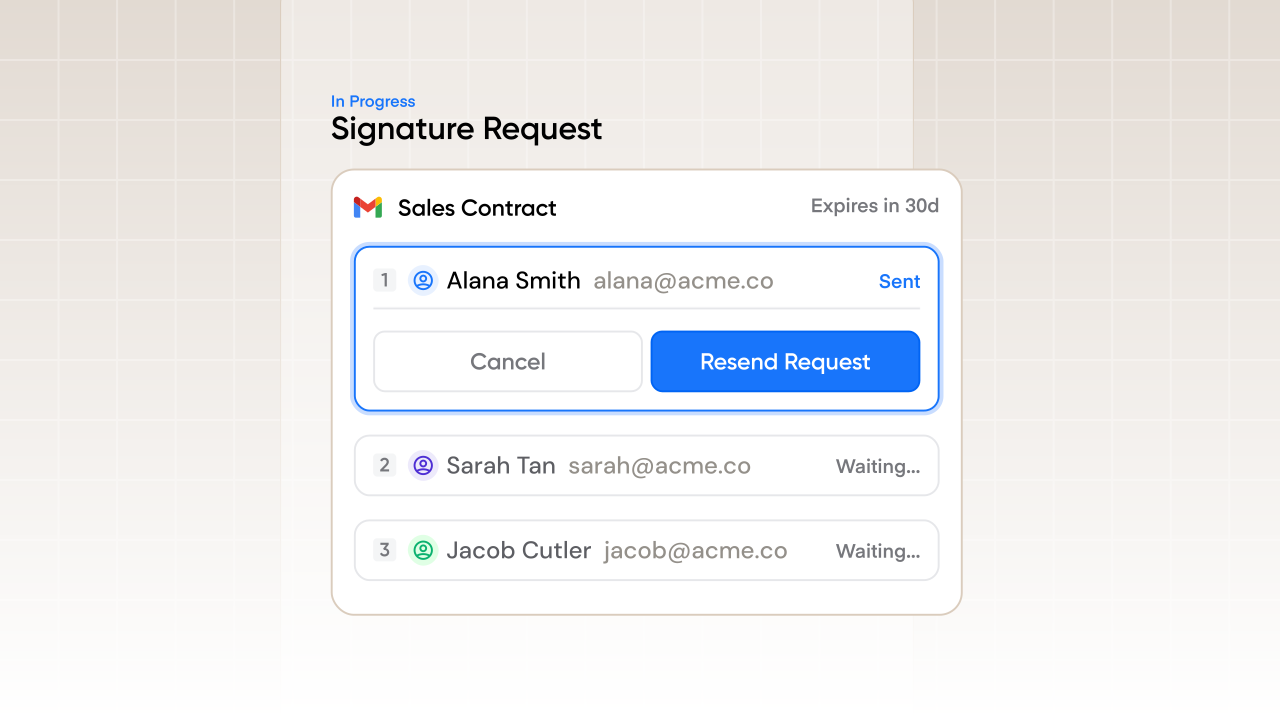
See why teams choose Portant.
Hear it directly from our many happy customers.



Setup
How to set up HubSpot with Portant
01
Install Portant from the HubSpot Marketplace
Find Portant in the HubSpot App Marketplace and connect it to your account in one click.
02
Choose or create a template
Use an existing Google Doc, Slides, or Word template, or pick one from the Portant gallery.
03
Map HubSpot properties to template tags
Connect deal, contact, company, and line item fields to placeholders in your template.
04
Generate from any deal
Open a deal in HubSpot, click Portant, and generate a document with all fields filled in.
Security
Security you can trust
SOC2 certified. GDPR-ready. SSO for enterprise. Your customer data stays encrypted in transit and at rest.
SOC 2 Type I certified.
Independently audited security controls across data, infrastructure, and access.
Learn moreGDPR-ready by default.
Built-in safeguards keep customer data compliant across every region.
Learn moreEnterprise SSO built in.
Tie every account to a verified identity with SSO and OAuth, no shared passwords.
Learn moreFrequently asked questions about HubSpot
More integrations