
 Google Slides integration
Automate Google Slides presentations from HubSpot
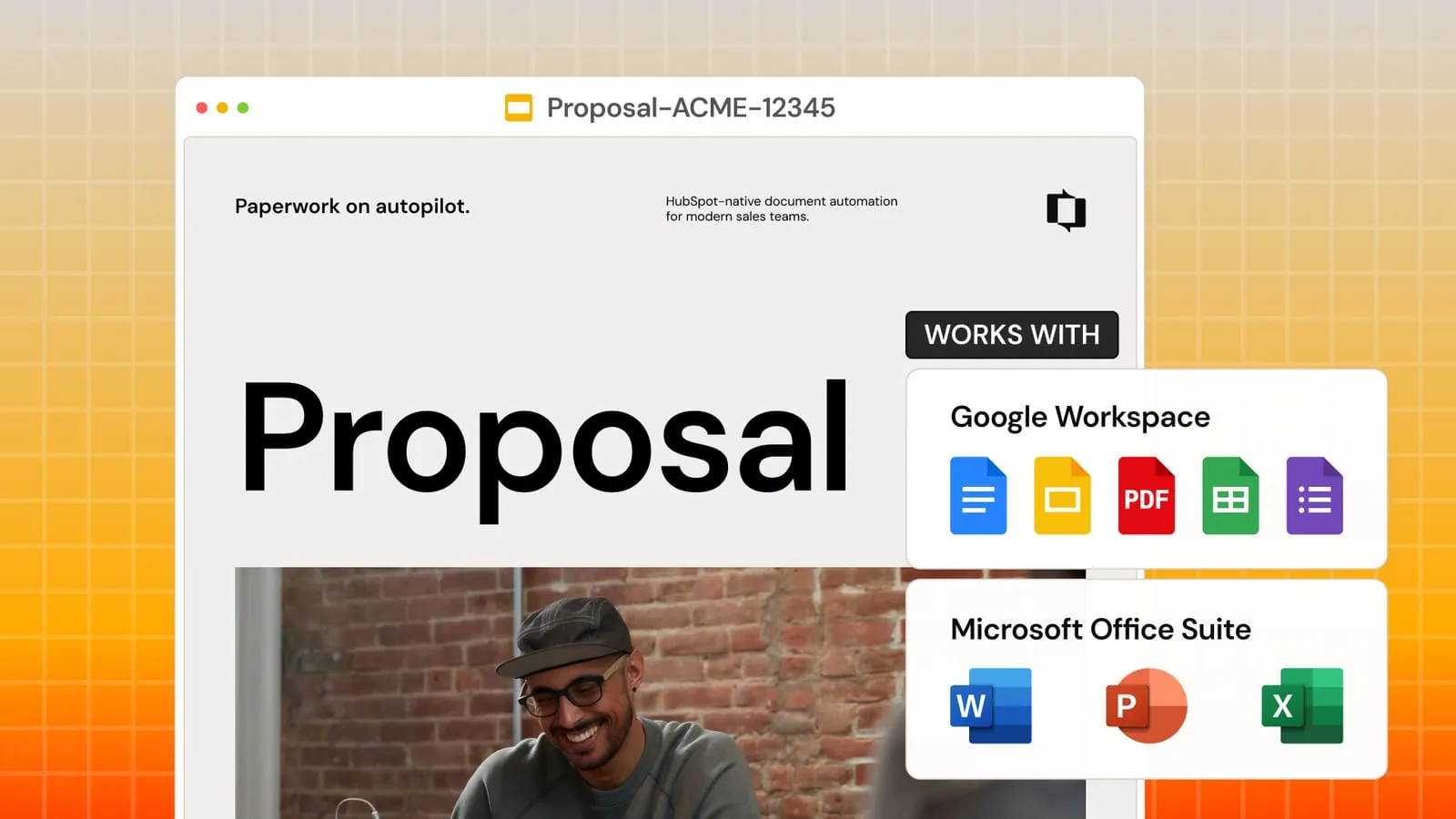
Google Slides is ideal for proposals, pitch decks, and visual reports. Portant fills your Slides templates with HubSpot deal data, contact details, and line items automatically. Generate polished presentations from any deal without opening Slides.
 Install on HubSpot





Trusted by teams at










Capabilities
What you can do with Portant and Google Slides
Branded presentations from deal data
Your existing Slides templates become dynamic. HubSpot properties fill into text boxes, tables, and charts automatically. Every presentation matches your brand.
Dynamic pricing tables
Line items from HubSpot populate into Slides tables with product names, quantities, pricing, and totals. Tables expand to fit any deal size.
Charts that update from HubSpot data
Link Google Sheets charts in your Slides template. Data updates from HubSpot at generation time. Visual reports with zero manual work.
PDF export for client delivery
Output as PDF for professional delivery or keep as Slides for collaboration. Attach to emails or save to Drive automatically.

See why teams choose Portant.
Hear it directly from our many happy customers.



Setup
How to set up Google Slides with Portant
01
Design your Slides template
Use any Google Slides presentation. Add your branding, layout, and structure.
02
Insert HubSpot tags
Add tags like {{contact.name}} in text boxes. Insert line item tags for pricing tables.
03
Link to HubSpot
Connect the template to your HubSpot workflow. Map deal properties to tags.
04
Generate from any deal
One click creates a polished presentation with all data filled in.
Security
Security you can trust
SOC2 certified. GDPR-ready. SSO for enterprise. Your customer data stays encrypted in transit and at rest.
SOC 2 Type I certified.
Independently audited security controls across data, infrastructure, and access.
Learn moreGDPR-ready by default.
Built-in safeguards keep customer data compliant across every region.
Learn moreEnterprise SSO built in.
Tie every account to a verified identity with SSO and OAuth, no shared passwords.
Learn moreFrequently asked questions about Google Slides
More integrations

