
 PDF output
Generate professional PDFs from HubSpot automatically
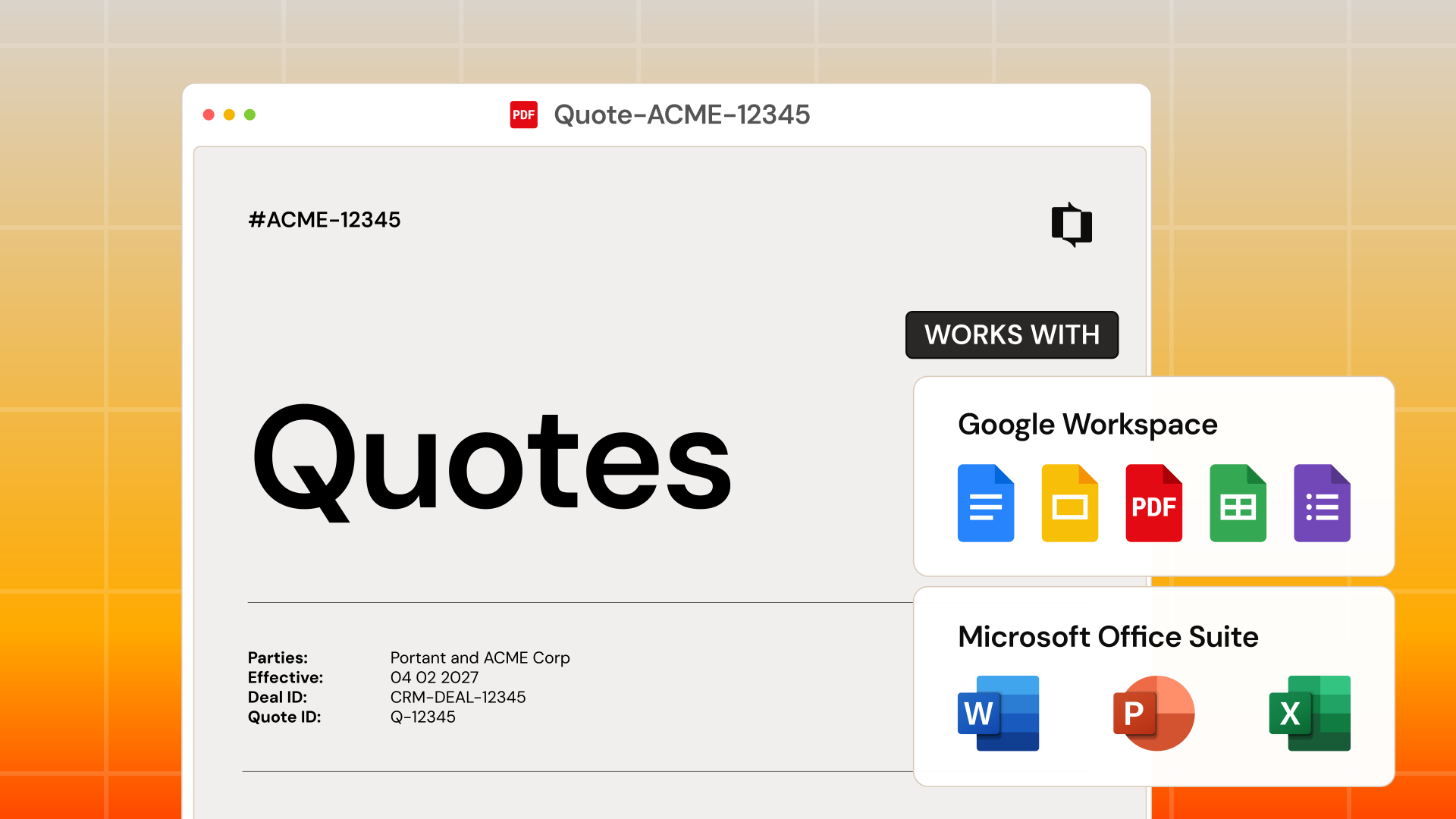
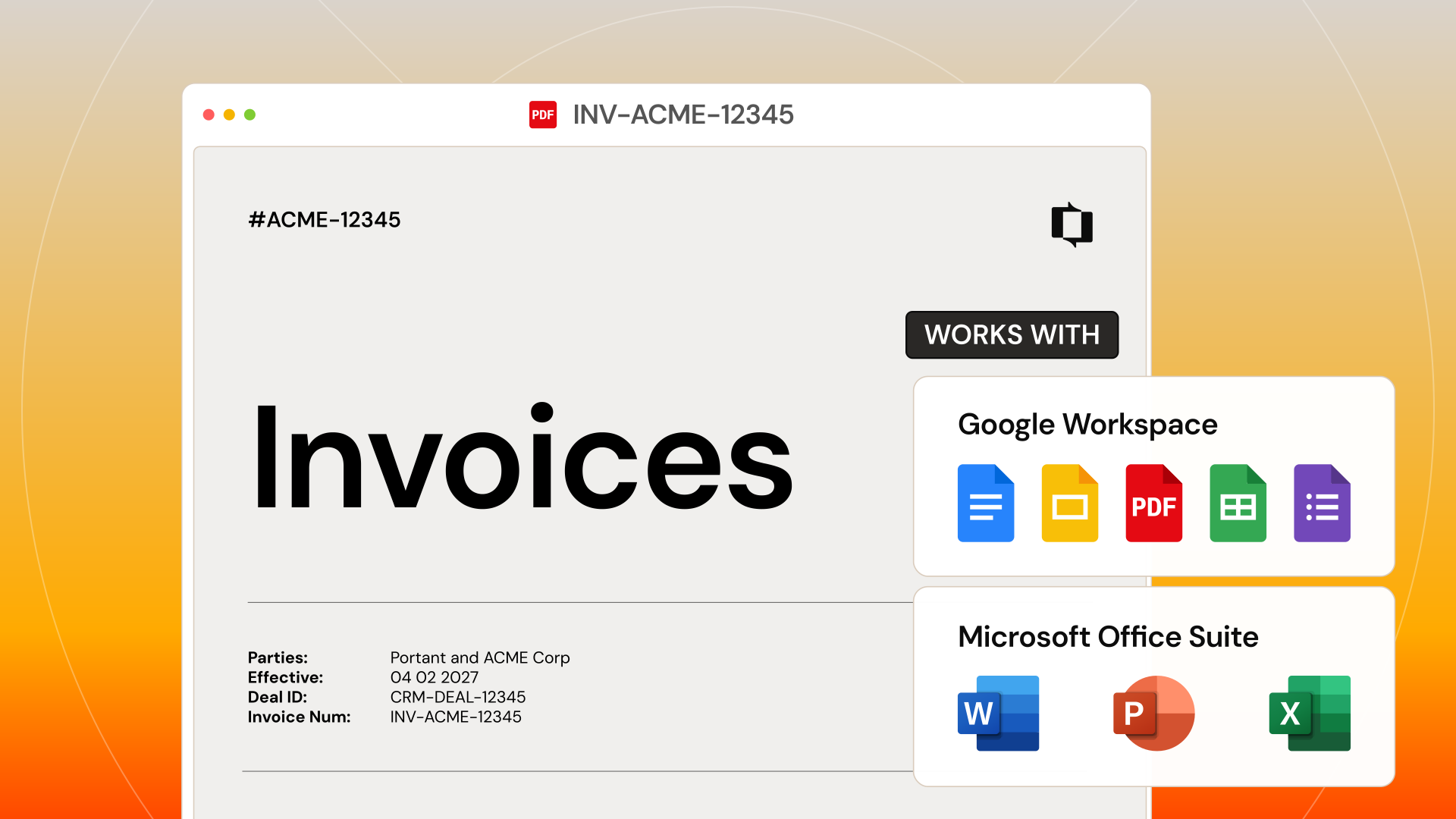
PDF is the most popular output format in Portant. Generate polished, branded PDF documents from any template format, Google Docs, Slides, Word, or PowerPoint. PDFs are ready for client delivery, eSignatures, and archiving. No Portant branding on paid plans.
 Install on HubSpot





Trusted by teams at










Capabilities
What you can do with Portant and PDF
Professional PDF output from any template
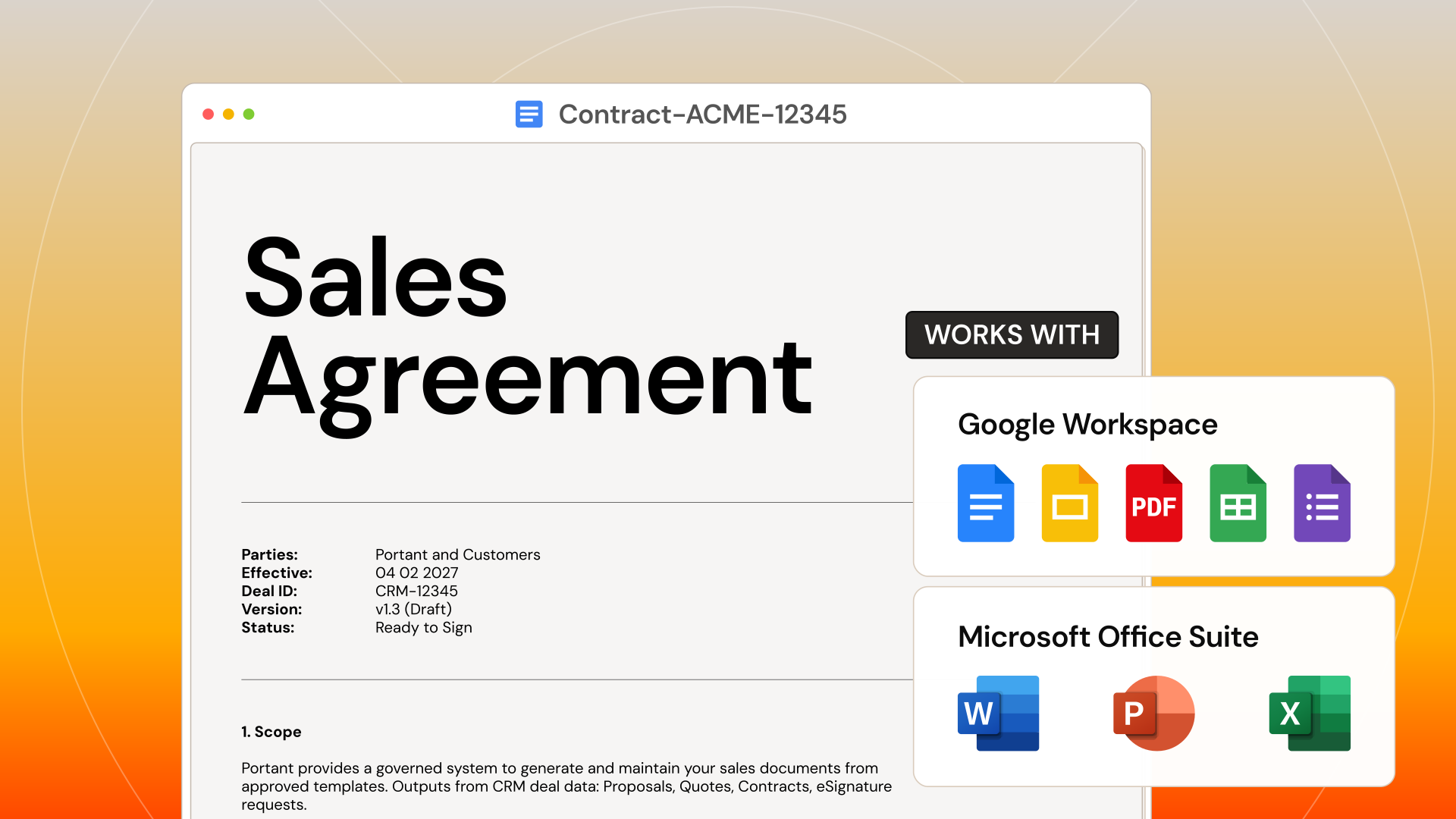
Convert Google Docs, Slides, Word, or PowerPoint templates into polished PDFs automatically. Layout, fonts, and formatting are preserved.
Ready for eSignatures
PDF documents can be sent for eSignature directly from Portant. Clients sign online with a legally binding electronic signature.
Attach to emails automatically
Generated PDFs attach to emails sent via Gmail or Outlook. Deliver contracts, quotes, and invoices the moment they are ready.
Save to Drive or HubSpot
PDFs save to Google Drive, OneDrive, or HubSpot as deal records. Every document is tracked and accessible from one place.
See why teams choose Portant.
Hear it directly from our many happy customers.



Setup
How to set up PDF with Portant
01
Choose your template format
Use Google Docs, Slides, Word, or PowerPoint. Any format converts to PDF.
02
Set PDF as your output
Select PDF output in your Portant workflow settings.
03
Generate from HubSpot
Create documents from any deal. Portant converts to PDF automatically.
04
Deliver or archive
Send via email, collect signatures, or save to Drive and HubSpot.
Security
Security you can trust
SOC2 certified. GDPR-ready. SSO for enterprise. Your customer data stays encrypted in transit and at rest.
SOC 2 Type I certified.
Independently audited security controls across data, infrastructure, and access.
Learn moreGDPR-ready by default.
Built-in safeguards keep customer data compliant across every region.
Learn moreEnterprise SSO built in.
Tie every account to a verified identity with SSO and OAuth, no shared passwords.
Learn moreFrequently asked questions about PDF
More integrations