
 Xero integration
Connect document automation to Xero accounting
Xero integration brings your accounting data into Portant workflows. Generate branded invoices and financial documents that sync with your Xero account. Keep your accounting records accurate without duplicate data entry.
 Install on HubSpot






Trusted by teams at










Capabilities
What you can do with Portant and Xero
Sync invoice data with Xero
Generated invoices can sync with your Xero account. Keep your accounting records accurate without manual entry or re-keying data.
Branded financial documents
Use your own templates for invoices and financial reports. Xero data fills into your branded layout automatically.
Accurate line item data
Product names, quantities, prices, tax rates, and totals from Xero populate into your document templates. No manual calculations.
Automated delivery
Send generated invoices and statements via email directly from Portant. Track delivery and opens.
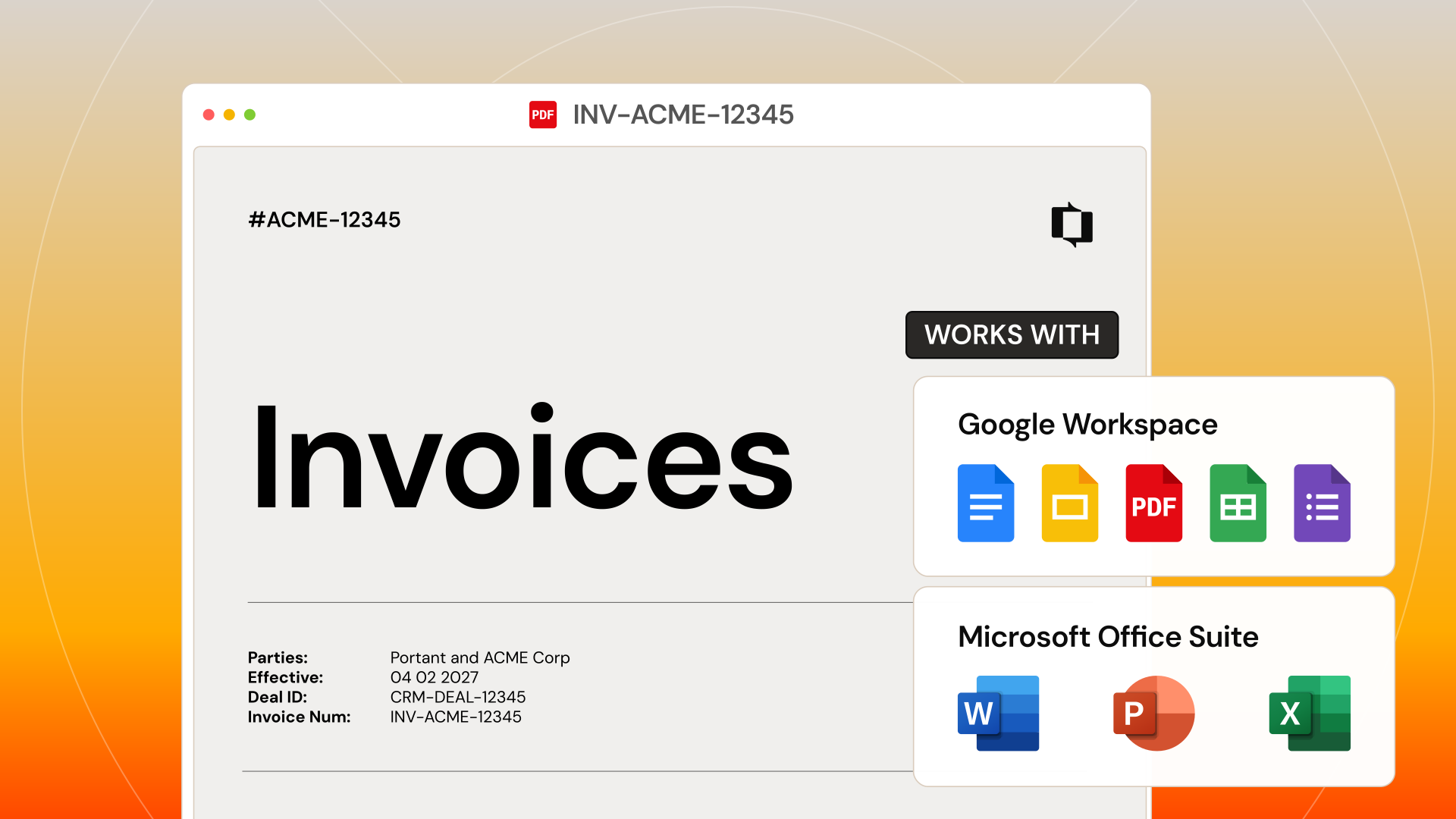

See why teams choose Portant.
Hear it directly from our many happy customers.



Setup
How to set up Xero with Portant
01
Connect your Xero account
Link Xero to Portant with a one-click OAuth connection.
02
Choose your template
Use an existing invoice or financial document template in Docs, Slides, or Word.
03
Map Xero data
Connect Xero contacts, line items, and amounts to template tags.
04
Generate and sync
Create documents that stay in sync with your Xero records.
Security
Security you can trust
SOC2 certified. GDPR-ready. SSO for enterprise. Your customer data stays encrypted in transit and at rest.
SOC 2 Type I certified.
Independently audited security controls across data, infrastructure, and access.
Learn moreGDPR-ready by default.
Built-in safeguards keep customer data compliant across every region.
Learn moreEnterprise SSO built in.
Tie every account to a verified identity with SSO and OAuth, no shared passwords.
Learn moreFrequently asked questions about Xero
More integrations

